Founding Member pricing
$99/year
For your whole household. That’s $8.25 a month, billed once a year.
Save $129 a year compared with monthly.
7 days free. No credit card required. Cancel anytime.
For homeschool and after-school learning
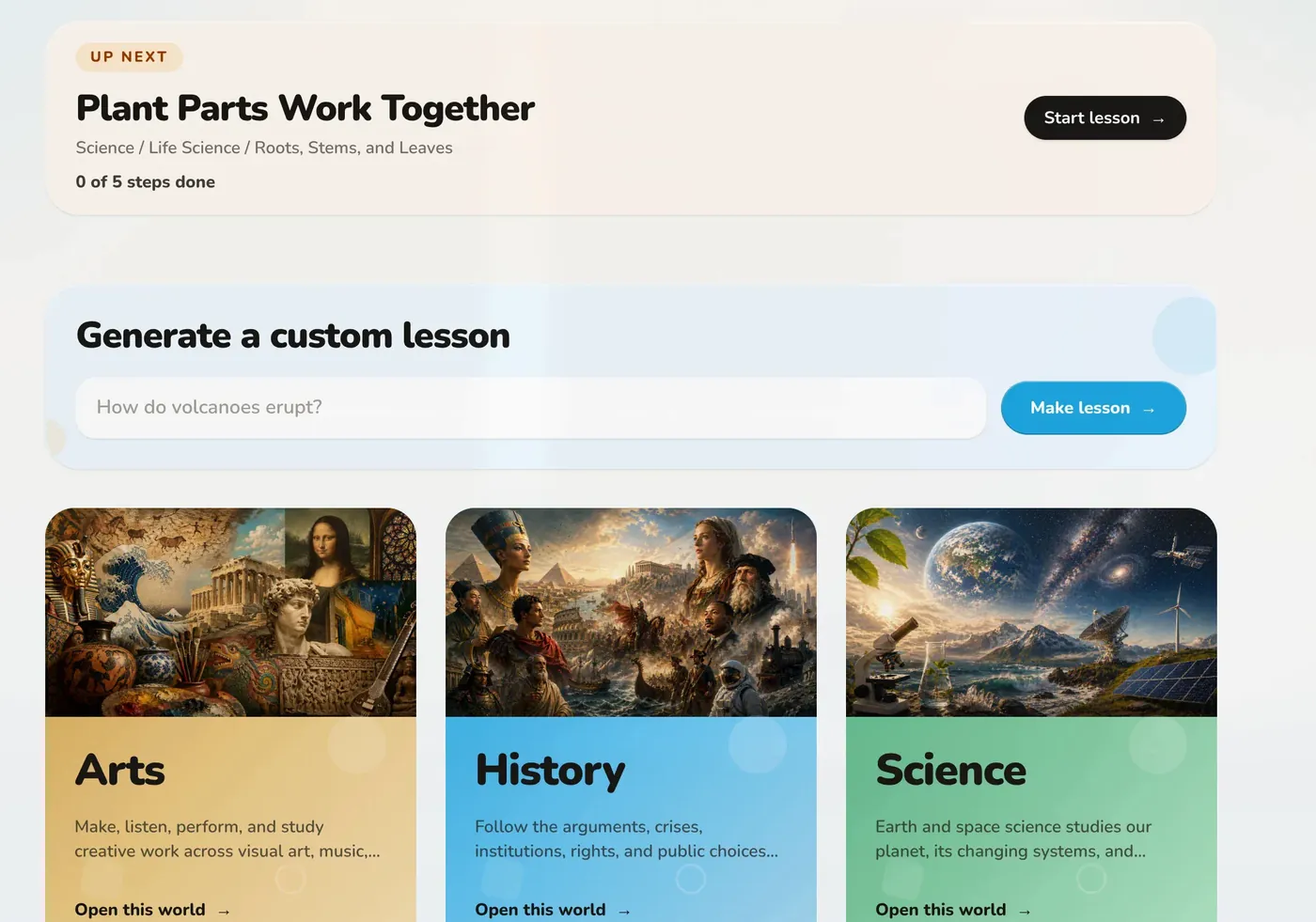
“How do whales talk?” becomes a lesson with reading, hands-on activities, and practice. When something clicks, they can go deeper. Plus 1,500+ ready-made lessons in science, history, and art.
No lesson prep for you · Math and typing practice · Ages 7+
7 days free. No credit card required.

WHY UNSPOOL
Dinosaurs. Volcanoes. How whales talk. Kids are full of questions. Unspool gives each one somewhere real to go, so a spark of curiosity turns into understanding instead of another browser tab.

WHAT THEY CAN DO
Here’s what happens in one lesson, using “Changing Shadow Size” as the example.
1 Each lesson starts with a big question
This one asks how position changes a shadow. Kids also see what they’ll be able to explain by the end.

2 A short story sets up the question
A toy dinosaur in front of a desk lamp casts a shadow that covers the bedroom wall. Did the toy grow?

3 They read through the lesson in five steps
Each step explains one part of the answer, with an illustration: light travels in straight lines, the toy blocks it, and moving the toy closer to the lamp makes the shadow bigger.

4 Some science lessons have a simulation
Kids move the toy toward the lamp and watch the shadow change, or connect wires and flip a switch to light a street lamp.

5 They do an activity
In this lesson, they tap parts of a scene to learn what each one does. Other lessons have them make a choice and see what happens, or look inside how something works.

6 They do practice to make sure they got it
Four questions check that they understood the lesson and didn’t just click through. They earn points for each one they get right the first time.

7 They can go deeper
At the end, they pick from three follow-up lessons, like Lamp Bulb Shapes or Light Blocking Materials. Unspool makes the new lesson for them.
Some lessons also include a short video. Read-aloud buttons let younger kids listen instead of read.
“How tall can a tree grow?” Kids type what they’re wondering and get a full lesson with reading, activities, and practice. Unspool screens every question for safety first.

Practice addition, subtraction, multiplication, and division. Go at their own pace, race the clock, or build a streak. Unspool gives them extra practice on the group of facts they find hardest.

Guided touch-typing lessons build from individual keys to words, helping kids learn where the letters are and which fingers to use.

See it for yourself. Open a free lesson. No account needed.
FOR PARENTS
Unspool walks them through each lesson, so you don’t have to plan or teach it. Younger kids or those still building reading confidence may need help along the way.
The parent view shows each lesson they finished and their final score. Use it to help out or to ask about something they discovered.
Unspool screens their question before it builds a custom lesson, then checks the finished lesson again before they see it. It blocks topics like weapons, self-harm, and adult content.
Use Unspool alongside homeschool, after school, or when a question at breakfast turns into something worth exploring. No need to switch curriculum.

PRICING
One subscription covers your whole household.
Founding Member pricing
$99/year
For your whole household. That’s $8.25 a month, billed once a year.
Save $129 a year compared with monthly.
7 days free. No credit card required. Cancel anytime.
Kids ages 7 and up. Younger children or those still building reading confidence may need help.
Unspool screens every question a kid types before it builds a lesson, and blocks topics like weapons, self-harm, drugs, and adult content. Then it checks the finished lesson again before your kid sees it. If either check fails, Unspool doesn’t make the lesson.
Unspool adds to your child’s education. Use it alongside homeschool or school to explore interests and practice skills.
Yes. Open a free lesson to see the experience without signing up. To explore the whole app, start a 7-day free trial. No credit card required.
You get 75 credits each month for custom learning. Creating a subject uses 4 credits. Each lesson within it uses 1 credit the first time it’s opened.
For example, a new subject with five lessons uses 9 credits. If you're on a paid plan and run out, you can add 50 more for $5. Those roll over.
No. One plan covers your whole household.
Cancel anytime. You keep paid access until the end of your billing period. For a refund, email hello@unspool.net within 30 days of paying.
There’s always another “why?”
7 days free. No credit card required.